
 English
 العربية
 বাংলা
বাংলা
 Deutsch
 Español
 Français
 Italiano
 Português
 Русский
 Türkçe
 Tiếng Việt
JPG to BMP Converter
Convert JPG images to BMP format with full quality and instant download





Convert JPG to BMP Online Instantly
The JPG to BMP Converter is a fast and free online tool that helps you convert JPG to BMP easily. You can upload your JPG image or use a remote URL and convert it into BMP format within seconds.
This tool is perfect when you need uncompressed images for editing or technical use.
What is JPG to BMP Conversion?
JPG to BMP conversion means changing a JPG image into BMP format. JPG uses compression, while BMP stores images without compression.
This results in larger file size but maximum image quality.
How to Use JPG to BMP Tool
- Upload your JPG image (maximum size: 5 MB) or use a remote URL
- Click the Convert button
- Wait for the conversion process
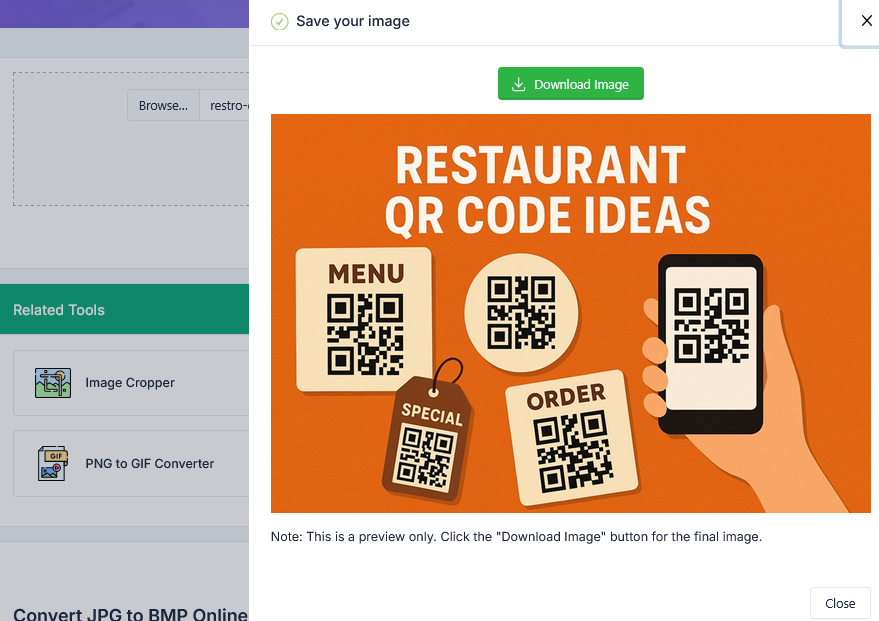
- Preview the BMP image
- Download the converted image instantly
Why Convert JPG to BMP?
JPG images are compressed and may lose some detail. The JPG to BMP Converter helps restore full image data.
- Get uncompressed image quality
- Preserve maximum detail
- Perfect for editing and processing
- Compatible with legacy software
- Ideal for technical and printing use
In addition, BMP format is simple and widely supported offline.
How This Tool Helps You
This JPG to BMP Converter simplifies image conversion tasks.
- Convert JPG to BMP instantly
- Preview before download
- Maintain full image quality
- Works with upload or URL
Key Features of JPG to BMP Tool
- Fast JPG to BMP conversion
- Supports upload and remote URL
- Uncompressed high-quality output
- Preview before download
- User-friendly interface
- No signup required
Who Should Use This Tool?
- Graphic designers
- Developers
- Photographers
- Image editors
- Students and professionals
Related Tools
Frequently Asked Questions
What is JPG to BMP conversion?
It converts a JPG image into BMP format.
Is this JPG to BMP tool free?
Yes, it is completely free.
Why are BMP files larger?
Because BMP does not use compression.
When should I use BMP format?
Use BMP for editing, printing, or technical applications.
Final Thoughts
The JPG to BMP Converter is an essential tool to convert JPG to BMP quickly and efficiently. It provides full image quality, fast processing, and easy downloads.
Use this tool now to preserve image details and achieve maximum quality.
